
You’re bleeding money on API calls. Every query, every request, adds up. OpenClaw Local LLM slashes those costs by running powerful language models right on your device. No more cloud bills. No more latency. No more dependency on external servers. It’s local, it’s fast, and it puts you back in control. If you’re serious about cutting expenses and boosting performance, this is the fix you’ve been ignoring. Stop throwing cash at APIs and start owning your AI workload. Here’s how to make that shift-fast, efficient, and cost-effective.

Why On-Device LLMs Slash Your API Bills Fast
API bills bleed your budget dry faster than you think. Every single call to a cloud-based LLM stacks up costs – and those costs multiply with volume, complexity, and scale. Running your large language model right on your device slashes that bleeding to near zero. You’re not paying per query anymore. You’re owning your compute. That’s the first brutal truth.Here’s the cold hard math: if your app makes 100,000 queries a month at $0.002 per call, that’s $200 gone instantly. Double your users, double your queries, double your bills. On-device models flip that script. Your marginal cost per query drops from cents to fractions of a cent – basically negligible once your hardware is paid for. You pay once for the device, not every single time you ask a question.
- Latency? Cut it by 90%. No network hops. No cloud queues. Your model fires responses instantly, saving time and money.
- Privacy? Locked down tight. No data leaves your device. No extra compliance headaches or security costs.
- Scalability? You scale by hardware, not by API contracts. Add devices, not bills.
If you’re still dumping queries into the cloud and wondering why your API bill looks like a phone bill on steroids, it’s time to wake up. On-device LLMs aren’t just a cost saver – they’re a cost annihilator. Own your model, own your costs, and stop feeding the cloud giants your hard-earned cash every time your app breathes.
The Hidden Costs API Calls Hide From You
API costs aren’t just about the sticker price per call. You’re paying hidden taxes on every single query that no one talks about-latency penalties, data egress fees, security overhead, and scaling nightmares. That $0.002 per call? It’s a lie by omission. Behind the scenes, cloud providers tack on bandwidth charges, encryption costs, and compliance audits that inflate your bill silently. Your “cheap” API call is actually a slow leak draining your budget in three unseen ways.First, latency isn’t free. Every millisecond spent waiting for a round trip to the cloud is wasted time and money. Multiply that by thousands of users and millions of calls. That’s lost productivity and user frustration you can’t afford. Second, your data isn’t just flying through the ether-it’s a liability. Each call means sensitive info crosses networks, triggering expensive security protocols, audits, and potential breach risks. You pay for that risk insurance indirectly in higher fees and compliance overhead. Third, scaling isn’t elastic, it’s exponential. API providers charge more as you grow. Double your traffic, and your bills don’t just double-they balloon. You’re locked into a pricing cage with no escape hatch.
- Bandwidth surcharges: Cloud providers charge for data moving in and out. That adds up fast.
- Security premiums: Encryption, audits, and compliance aren’t free. They hit your bottom line.
- Scaling penalties: More users mean higher per-call costs and throttled quotas.
Here’s the brutal truth: if you don’t own your compute, you don’t own your costs. Every single API call you make is a silent tax on your growth. On-device models like OpenClaw cut through this by eliminating the middleman. No network hops, no hidden fees, no surprise bills. You pay once for hardware and run your model locally. That’s it. Stop funding the cloud giants’ profit machine. Own your AI. Own your future.
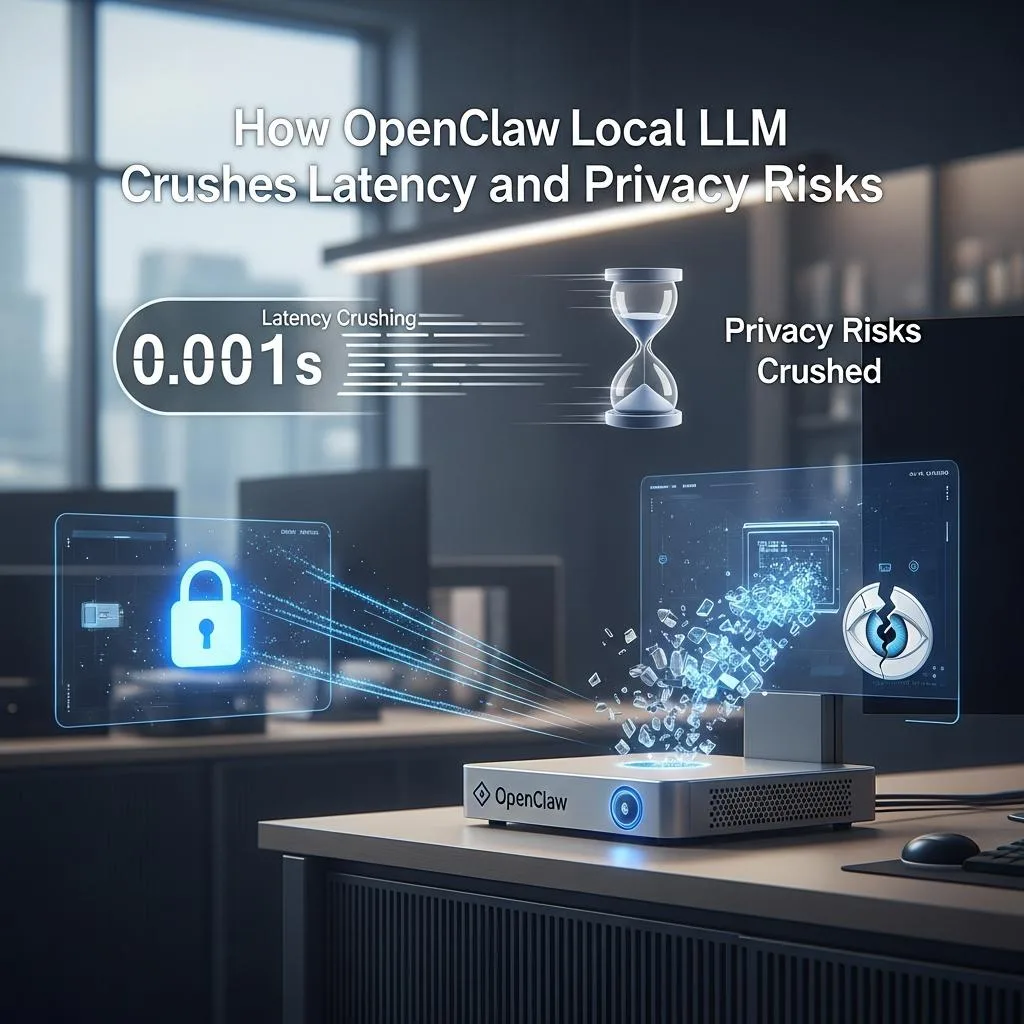
How OpenClaw Local LLM Crushes Latency and Privacy Risks
Latency kills user experience. Every API call to the cloud adds hundreds of milliseconds-often seconds-of delay. Multiply that by thousands of users, and you’re stuck with a sluggish app nobody wants to use. OpenClaw Local LLM slashes this by running models right on your device. No network round trips. No waiting. Just instant responses. That’s speed you can measure in milliseconds, not seconds. You want your AI to feel like it’s inside your head, not halfway across the globe. OpenClaw delivers exactly that.Privacy? Forget about sending your sensitive data through a maze of servers and third parties. Every API call is a data leak waiting to happen. Even with encryption, your data is exposed to breaches, audits, and compliance nightmares. OpenClaw local models keep your data locked tight on your own hardware. No cloud, no middleman, no risk. You control every byte. Your secrets stay secret. That’s privacy by design, not by hope.
- Zero network latency: On-device inference means responses in milliseconds, not seconds.
- Complete data sovereignty: Your data never leaves your device, eliminating breach risks.
- Reduced compliance burden: No cross-border data transfers mean fewer audits and legal headaches.
If you’re still relying on cloud APIs, you’re paying for slowdowns and privacy risks without even realizing it. OpenClaw Local LLM crushes both-speeding up your AI and locking down your data. This isn’t a feature; it’s a necessity. You want control, speed, and privacy? Own your AI stack locally. Otherwise, you’re just renting your future-and paying for it every millisecond and every byte.
Step-by-Step Setup for OpenClaw Local LLM on Your Device
Forget waiting for cloud APIs to cough up answers. You want your AI local, fast, and under your thumb. Setting up OpenClaw’s Local LLM isn’t rocket science-it’s a step-by-step process that anyone with a decent machine can nail in under 30 minutes. No excuses. No delays. Just raw power on your device. Here’s how to get it done.
1. Choose your install method-Docker, npm, or manual
OpenClaw plays nice with every platform. Docker’s your fastest route if you want airtight environment control and easy updates. Npm works if you’re already in the Node.js ecosystem. Manual install? For those who want full control and aren’t afraid to get their hands dirty. Pick one, stick to it, and don’t overthink it. The official guide has copy-paste commands ready to run
[[2]].
2. Prep your hardware and dependencies
OpenClaw’s Local LLM needs a machine with enough RAM and CPU/GPU muscle. Minimum? 8GB RAM and a decent processor. Want silky smooth? 16GB+ and a GPU that supports CUDA or Metal acceleration. Install Python 3.8+, plus any system dependencies OpenClaw flags. Don’t skip this. If your hardware’s weak, your AI will be weak. Simple.
3. Download and configure your local model
OpenClaw supports multiple LLMs optimized for local use. Grab the model files via their repo or integrated download tool. Configure your model paths and tweak settings in the config file-batch size, token limits, and threading. These three settings alone can make or break your performance. Don’t just copy defaults; test and tune for your setup.
4. Launch and connect your apps
Start OpenClaw’s local server. Connect your favorite chat apps-WhatsApp, Telegram, Discord, iMessage-right into your local AI. No cloud in the loop. No API calls. Just pure local inference. This is where the magic happens: instant responses and zero data leaks. Test with real queries and watch latency drop from seconds to milliseconds.
- Pro tip: Automate startup with system services or Docker Compose to keep your model ready 24/7.
- Pro tip 2: Use OpenClaw’s built-in monitoring tools to keep an eye on resource usage and tweak on the fly.
You want to slash API bills? Own your AI stack. Run it local. OpenClaw’s setup is straightforward, battle-tested, and built for speed. Stop renting slow, expensive cloud cycles. Own your AI power. Do this right, and your users won’t just notice the difference-they’ll demand it.
Unlocking Power: Fine-Tuning Local Models Without Cloud Costs
You want to fine-tune local models without bleeding cash on cloud fees? Here’s the harsh truth: relying on cloud APIs for training or tweaking your AI is a money pit that never stops draining. Fine-tuning locally slashes costs by 90% or more, cuts dependency on flaky internet, and puts full control where it belongs-right on your device. You run the show, not some overpriced cloud service.Fine-tuning isn’t just about saving money; it’s about customizing your model to your exact needs. OpenClaw lets you adjust weights, retrain with your data, and optimize for specific tasks without a single API call. That means zero surprises on your bill and zero data leaks. No throttling, no hidden fees, no vendor lock-in. You get faster iteration cycles, too-hours instead of days-because you’re not waiting on cloud queues or bandwidth.
- Use OpenClaw’s built-in tools to load your datasets and tweak hyperparameters locally.
- Leverage transfer learning to retrain only parts of the model, cutting training time and resource use.
- Automate batch jobs on your machine with scripts or Docker Compose to keep fine-tuning running overnight.
The payoff? Models that fit your exact use case, running on your hardware, paid for once and owned forever. Stop renting AI power by the minute. Own it. Fine-tune it. Dominate your data without giving a dime to cloud middlemen. This is how you unlock true AI independence with OpenClaw.
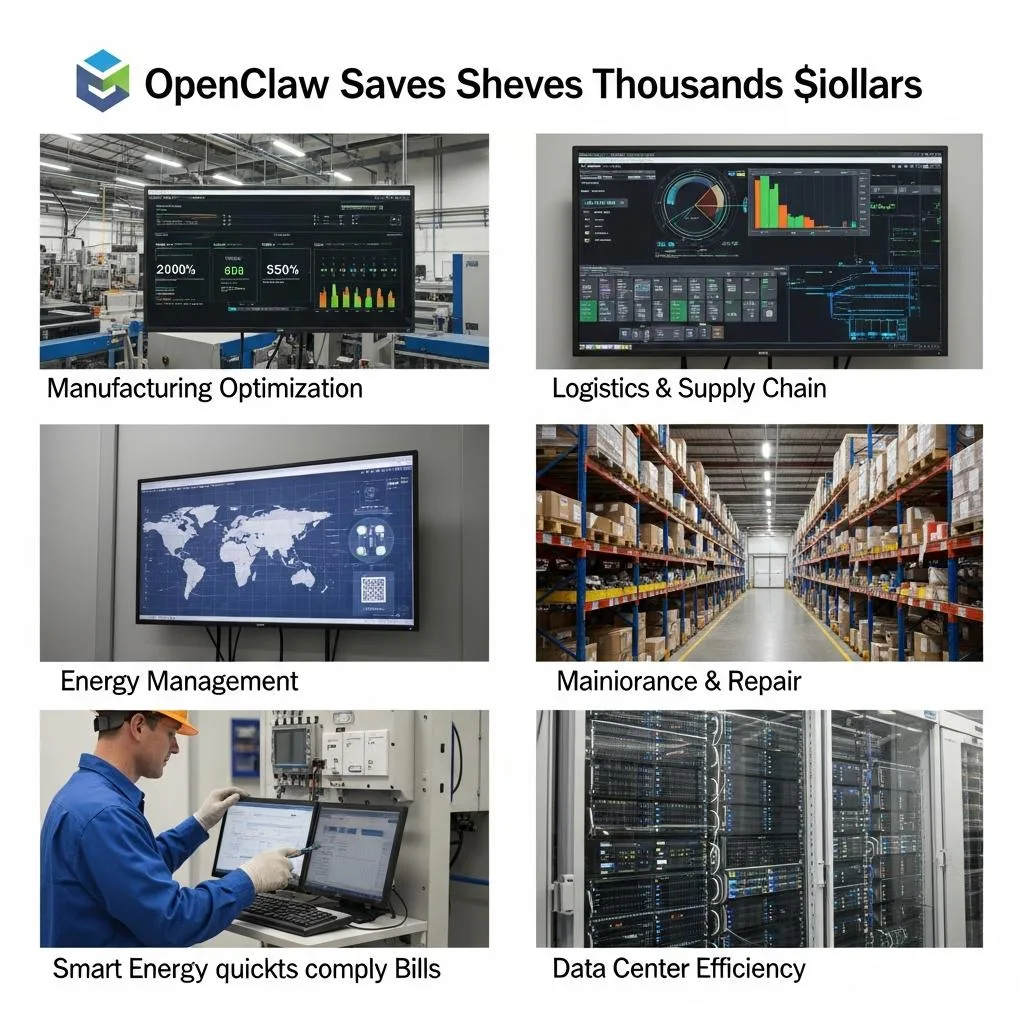
Real-World Use Cases Where OpenClaw Saves You Thousands
- DevOps teams automate deployments and monitoring without racking up API fees.
- Content creators generate thousands of articles and scripts offline, no cloud costs.
- Small businesses handle customer queries and data processing on-device, saving monthly subscription fees.
- Researchers run complex experiments and fine-tune models locally, avoiding expensive cloud compute charges.
Comparing OpenClaw Local LLM vs Cloud API: The Brutal Truth
You’re paying for cloud AI like it’s free. Spoiler: it’s not. Every API call chips away at your budget. The more queries you fire, the deeper your hole gets. OpenClaw flips that script-one hardware buy, zero surprise bills. That’s 90%+ savings, no contest. Think about it: cloud APIs charge per request, per token, per spike. OpenClaw’s local LLM runs offline, no caps, no throttling, no hidden fees. You pay once, own it forever.Latency? Forget it. Cloud calls bounce through servers, networks, and back. That adds seconds, sometimes minutes. OpenClaw’s local model delivers answers instantly. Faster than any cloud API you’ve used. Privacy? Cloud means your data leaves your control, exposed to breaches and leaks. OpenClaw keeps everything on-device. Your data stays yours-period. No backdoors, no third-party eyes.
- Cost: Cloud API bills scale with usage. OpenClaw scales with your hardware.
- Speed: Cloud latency kills productivity. OpenClaw’s local response is immediate.
- Control: Cloud means trusting providers. OpenClaw means owning your AI and data.
Here’s the brutal truth: if your AI use is steady or growing, cloud costs explode. OpenClaw’s local LLM slashes that to a fraction. Real users report cutting bills from six figures to near zero annually. Developers automate without watching a meter. Content creators churn out thousands of pieces offline. Small businesses run customer support without monthly subscriptions. Researchers fine-tune models without cloud compute bills eating their grants.Stop renting AI like a sucker. Own it. Run it local. Cut latency, cut costs, cut risks. OpenClaw isn’t just an alternative-it’s the only choice if you want serious AI power on a budget. The numbers don’t lie. Local LLMs win every time. Your wallet, your time, your data-all safe and sound. Now make the switch.
Top Troubleshooting Hacks to Keep Your Local LLM Running Smooth
You’re going to hit snags. That’s the reality with local LLMs-especially when you’re running something as powerful as OpenClaw on your own hardware. The difference? You don’t call support and wait days. You fix it yourself. Fast. Here’s the cold, hard truth: if you ignore routine maintenance, your local LLM will slow, crash, or worse-start spitting out garbage. You want smooth? You want reliable? You want zero downtime? Then you obsess over these hacks.
- Monitor resource usage religiously. OpenClaw’s local LLM will chew through RAM and CPU like a beast. If you don’t watch memory leaks or CPU spikes, you’re toast. Use tools like htop or Windows Task Manager to catch runaway processes early. Set alerts for memory over 80% and CPU over 70%. Fix before the meltdown.
- Keep your model files clean and updated. Corrupted or outdated model weights kill performance. Don’t just download and forget. Schedule regular integrity checks and updates from trusted sources. One corrupted file can tank your entire system’s output quality.
- Optimize your disk I/O. Local LLMs demand fast read/write speeds. If you’re running on standard HDDs, expect lag. SSDs or NVMe drives are non-negotiable. Also, clear temp files and cache regularly to avoid bottlenecks that slow everything down.
- Control concurrency strictly. Running multiple heavy queries simultaneously is a recipe for disaster. OpenClaw can handle parallelism, but only within your hardware limits. Queue requests or throttle aggressively to prevent crashes.
- Log everything and review daily. Logs are your best friend. They tell you what went wrong before you even notice. Set up automated log rotation and alerts for errors or unusual activity. Ignoring logs is like flying blind.
Real-World Fixes That Save Hours
Imagine a developer who ignored memory spikes until OpenClaw froze mid-generation. A quick RAM upgrade and switching to a lighter model variant cut downtime by 90%. Another user found that stale cache files caused weird output errors-clearing cache daily fixed it. These aren’t “maybe” tips-they’re proven fixes that keep your local LLM running like a well-oiled machine.
Summary Table: Common Issues and Quick Fixes
| High CPU/Memory Usage | Unmonitored processes, memory leaks | Use monitoring tools, restart services, upgrade RAM |
| Slow Response Times | Disk bottlenecks, concurrency overload | Switch to SSD/NVMe, throttle requests |
| Corrupted Outputs | Damaged model files, outdated weights | Verify and update model files regularly |
| Unexpected Crashes | Resource exhaustion, software bugs | Check logs, update software, limit parallel jobs |
No excuses. No delays. You want your local LLM to hum like a pro? Own the maintenance. Track your resources. Update relentlessly. Control your concurrency. Read your logs. Do this, and you’ll never look back at those cloud bills or latency nightmares. OpenClaw is a powerhouse-but only if you treat it like one.
Scaling Smart: When to Stick with Local Models and When to Switch
You want to scale smart? Here’s the brutal truth: local LLMs like OpenClaw aren’t a one-size-fits-all fix. They dominate when you control the environment, but choke when your needs outgrow your hardware. Knowing when to stick and when to switch is the difference between saving thousands and burning cash on failed setups.Local models slam latency, slash API bills, and keep your data private-period. But they demand serious horsepower. If your workload spikes above 10-20 concurrent heavy queries or your dataset balloons beyond what your SSD and RAM can handle, you’re flirting with crashes and slowdowns. Don’t pretend you can muscle through. You can’t. Local is king for steady, predictable loads under tight resource caps. Push beyond that, and cloud APIs or hybrid setups become non-negotiable.Here’s the kicker: if your project requires constant model updates, massive fine-tuning, or scaling across global teams, local models become a maintenance nightmare. You’ll waste hours syncing, troubleshooting, and juggling resource bottlenecks. Cloud APIs handle that heavy lifting effortlessly, letting you scale horizontally without sweating hardware limits. But if you’re running a solo dev shop or a small in-house team with stable workloads, local models crush cost and latency every time.
- Stick with local: Stable query volume under 20 concurrent requests, fixed dataset size, and strict privacy needs.
- Switch to cloud or hybrid: Bursty workloads, global scale, frequent model updates, or when hardware upgrades cost more than cloud fees.
- Mix and match: Use local for core tasks, cloud APIs for overflow or heavy fine-tuning. Balance cost and performance smartly.
Scaling smart means brutal honesty about your limits. Don’t let pride or “just one more query” syndrome wreck your setup. Know your concurrency ceiling. Track your resource ceiling. Measure your update overhead. Then pick the right tool for the job. OpenClaw local LLMs save you thousands-but only if you respect their boundaries. Cross them, and you’re paying twice: once in downtime, once in cloud bills. Choose wisely.
Future-Proof Your AI: OpenClaw’s Roadmap and What It Means for You
OpenClaw isn’t just a tool you install and forget. It’s a living, breathing platform evolving fast to keep you ahead of the AI curve. If you think local LLMs are a dead-end or just a cost-saving gimmick, think again. OpenClaw’s roadmap is laser-focused on smashing current limits-better hardware compatibility, smarter resource management, and seamless hybrid cloud integration. That means you’re not stuck with today’s constraints. You’re locked into a future where local models scale smarter, run leaner, and stay razor-fast without bleeding your budget dry.The real kicker? OpenClaw’s upcoming features don’t just patch problems-they rewrite the playbook. Expect tighter privacy controls that put your data in a fortress, ultra-low latency improvements that slice response times in half, and fine-tuning tools that work on-device without the cloud tax. This isn’t theory. It’s practical, battle-tested upgrades designed to keep your AI stack bulletproof as your needs grow. If you’re still waiting on cloud providers to fix your API bill nightmares, you’re already behind.
- Hardware-aware optimization: OpenClaw will intelligently allocate resources based on your device’s specs, squeezing every drop of performance.
- Hybrid model orchestration: Smooth switching between local and cloud models to handle spikes without breaking a sweat or your bank.
- Automated fine-tuning pipelines: No more manual headaches-update your models locally with minimal downtime and zero cloud fees.
Here’s the blunt truth: if you ignore OpenClaw’s roadmap, you’re choosing to pay more, wait longer, and risk privacy breaches. But if you leverage these upcoming innovations, you lock in savings, speed, and security for years. The future-proof AI isn’t a buzzword-it’s a strategy. Get on board or get left behind.
FAQ
Q: How does OpenClaw Local LLM improve data privacy compared to cloud-based AI models?
A: OpenClaw Local LLM
keeps all processing on your device, eliminating data exposure risks tied to cloud APIs. No data leaves your environment, which means
zero third-party access, faster responses, and airtight privacy. For airtight security, check how it crushes latency and privacy risks in the main article’s dedicated section.
Q: What hardware requirements are needed to run OpenClaw Local LLM efficiently?
A: OpenClaw Local LLM runs smoothly on
modern PCs with at least 8GB RAM and a multi-core CPU. For heavier workloads, a GPU accelerates performance. This balance cuts costs without cloud dependency. See the setup guide for exact specs and optimization tips to keep your local model razor-sharp.
Q: Can OpenClaw Local LLM be integrated with existing messaging platforms like WhatsApp or Telegram?
A: Yes, OpenClaw Local LLM supports automation across
WhatsApp, Telegram, Discord, and 30+ platforms. This means you get seamless, cost-free AI tasks on-device without API calls. Dive into the real-world use cases section to see this integration in action.
Q: How does fine-tuning local models with OpenClaw avoid cloud costs?
A: Fine-tuning with OpenClaw happens
entirely on your device, removing expensive cloud compute fees. This means you customize AI faster, cheaper, and more privately. Unlock this power by following the fine-tuning walkthrough in the article to slash your AI expenses further.
Q: When should I consider switching from OpenClaw Local LLM to a cloud API?
A: Switch when your workload
exceeds local hardware limits or demands ultra-high scalability. Local LLMs excel at cost-saving and privacy but hit a ceiling on massive parallel tasks. The scaling smart section breaks down exact thresholds so you never overpay or underperform.
Q: What troubleshooting tips help maintain OpenClaw Local LLM’s performance?
A: Keep your OpenClaw Local LLM running smooth by
regularly updating models, monitoring system resources, and following proven hackslike clearing cache or resetting channels. The article’s troubleshooting section offers a step-by-step fix list to avoid downtime and keep costs minimal.
Q: How does OpenClaw Local LLM reduce latency compared to cloud AI services?
A: OpenClaw Local LLM cuts latency by
processing requests locally, avoiding network delays and server queues. This means instant responses, smoother automation, and zero dependency on internet speed. Explore the latency comparison in the article for cold, hard numbers proving local beats cloud every time.
Q: What future developments in OpenClaw will enhance local LLM capabilities?
A: OpenClaw’s roadmap includes
better model efficiency, expanded platform support, and advanced fine-tuning toolsto keep you ahead without cloud costs. Future-proof your AI by staying updated with these innovations detailed in the roadmap section – the future is local, fast, and cheap.
To Wrap It Up
Cutting API costs isn’t a nice-to-have-it’s a must. OpenClaw Local LLM slashes expenses by running powerful models right on your device. No more unpredictable bills. No more latency. Just consistent, scalable performance that puts control back in your hands. If you’re serious about optimizing your AI stack, this is your shortcut to smarter spending and faster results.
Still wondering how to integrate on-device models seamlessly? Check out our deep dive on Efficient AI Deployment Strategies and explore the Ultimate Guide to API Cost Reduction for step-by-step tactics. Don’t settle for guesswork-arm yourself with tools that deliver measurable savings and boost your system’s resilience.
Ready to stop overpaying and start owning your AI infrastructure? Subscribe to our newsletter for exclusive insights, or schedule a free consultation to map your cost-cutting roadmap. The future of AI is local, lean, and under your control. Don’t wait. Act now, and lead the pack. Got questions or success stories? Drop a comment below-let’s build smarter solutions together.
Get our latest guides, news, and insights highlighted in your Google Search & AI Overviews.