
You don’t need a $1,000 server to run powerful AI agents. You need OpenClaw on a $35 Raspberry Pi. That’s right-real autonomous AI, running 24/7, on a device that fits in your hand. If you think AI automation means expensive hardware or cloud lock-in, you’re dead wrong. OpenClaw lets you run AI agents that browse, write, and execute commands-all on your own cheap, private setup. Three facts: it’s affordable, it’s autonomous, and it’s fully under your control. Stop wasting money on bloated solutions. Stop giving up your data to big tech. This is the fix you’ve been missing. Ready to run AI agents on your own terms? Let’s get into how OpenClaw on Raspberry Pi makes that happen.
Why OpenClaw on Raspberry Pi Beats Alternatives
OpenClaw on a Raspberry Pi isn’t just another option-it’s the no-brainer choice if you want power without the price tag or complexity. Forget bulky servers or cloud subscriptions that bleed your wallet dry. For $35, you get a compact, energy-efficient machine that runs OpenClaw locally, giving you full control and blazing performance for agent automation. That’s right: local control means no middlemen, no lag, no privacy compromises. You want reliability? The Pi’s rock-solid hardware combined with OpenClaw’s open-source framework means fewer points of failure and zero vendor lock-in.Here’s the brutal truth: most alternatives either cost 5x more or force you into opaque ecosystems that throttle your freedom and data. OpenClaw on Raspberry Pi flips that script. It’s lightweight but scalable, simple but powerful, and it runs on infrastructure you own and understand. You want automation across 30+ platforms like WhatsApp, Telegram, and Discord without paying for cloud AI? Done. You want to tinker, customize, and extend with plugins on your terms? OpenClaw’s framework is built for that. The Raspberry Pi’s low power draw means you can run multiple agents 24/7 without turning your electricity bill into a nightmare.
- Cost Efficiency: $35 vs hundreds or thousands for alternatives.
- Privacy & Control: Fully local execution, no data leaks.
- Flexibility: Open-source, extensible, multi-platform automation.
If you’re serious about running AI agents, stop wasting time on overpriced, locked-down solutions. OpenClaw on Raspberry Pi is the lean, mean, autonomous machine that gets the job done without excuses. No fluff, no hype-just raw, scalable power in your hands.
How to Set Up OpenClaw on Your $35 Raspberry Pi Fast
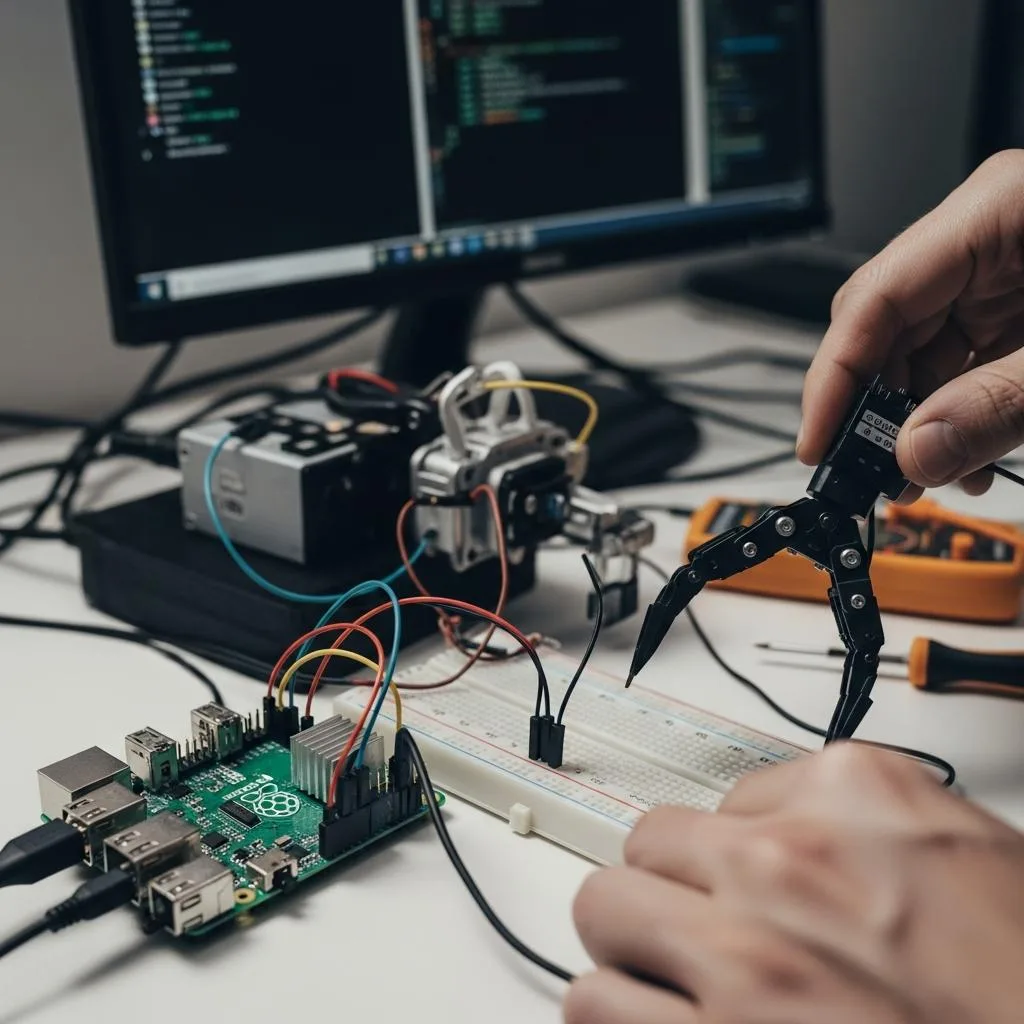
Getting OpenClaw running on your Raspberry Pi isn’t rocket science-it’s a no-excuses, under-30-minutes job if you follow the damn steps. Forget endless tutorials and bloated guides. You want it fast, local, and functional? Here’s the real deal.First, grab a Raspberry Pi 4 or better-2GB RAM minimum. Anything less and you’re just wasting your time. Flash Raspberry Pi OS Lite (no GUI bloat) onto a microSD card, 16GB or larger. Use Raspberry Pi Imager or balenaEtcher-no proprietary nonsense. Next, connect your Pi to the internet and SSH in. Don’t plug in a keyboard and mouse unless you’re stuck in 2010.OpenClaw installs cleanly via Docker or npm. Docker is the no-brainer route-one command, zero headaches. Run:“`bash curl -fsSL https://open-claw.me/install.sh | sh “`This script sets up Docker, pulls OpenClaw, and gets it ready to roll. If you hate Docker, npm install is your backup, but expect more manual config. Once installed, configure your OpenClaw agent with your API keys and preferred messaging platforms. OpenClaw supports 30+ platforms out of the box-WhatsApp, Telegram, Discord-so pick your poison and set your tokens.
- Step 1: Raspberry Pi 4 with 2GB+ RAM, Raspberry Pi OS Lite.
- Step 2: SSH into Pi, update system:
sudo apt update && sudo apt upgrade -y. - Step 3: Run the official OpenClaw install script for Docker.
- Step 4: Configure OpenClaw with your platform credentials.
- Step 5: Start the agent and watch it run 24/7 with minimal power draw.
No fluff, no cloud subscriptions, no “wait for setup.” If you can run a few commands, you can have your autonomous agent firing on all cylinders in less time than it takes to microwave a burrito. OpenClaw’s open-source foundation means you’re not boxed in-customize, extend, automate. Own your data. Own your machine. That’s how you set it up fast-and that’s how you win.
Unlocking Agent Power: What OpenClaw Really Does
OpenClaw isn’t some fancy cloud gimmick or subscription trap. It’s a lean, mean, open-source machine that turns your $35 Raspberry Pi into a relentless AI agent powerhouse. What it really does is simple: it automates conversations, workflows, and data routing across more than 30 messaging platforms-WhatsApp, Telegram, Discord, you name it. You get full control, zero vendor lock-in, and your data stays exactly where it belongs-on your device. Three times the autonomy, three times the privacy, and zero excuses.This isn’t about running bloated AI models on your Pi. OpenClaw acts as a smart coordinator, an agent that listens, processes, and acts on commands or events in real time. It’s the difference between owning your AI and renting it. It handles message routing, workflow execution, and plugin extensions all without breaking a sweat on a modest 2GB RAM device. It’s efficient, lightweight, and built for 24/7 uptime with minimal power draw. Run it once, and it runs forever.
- Automate Anything: From chatbots that handle customer support to IoT device commands, OpenClaw makes your Pi the brain of your digital operation.
- Plug and Play: Supports 30+ platforms out of the box-no endless API wrestling or custom coding just to get started.
- Extend and Own: Open-source means you tweak, extend, and automate without begging for permission or paying fees.
If you want an AI agent that listens, acts, and scales without cloud fees or privacy nightmares, OpenClaw is your no-BS answer. Stop waiting for the future-build it on your Pi today.
Top Use Cases for Running Agents on Raspberry Pi
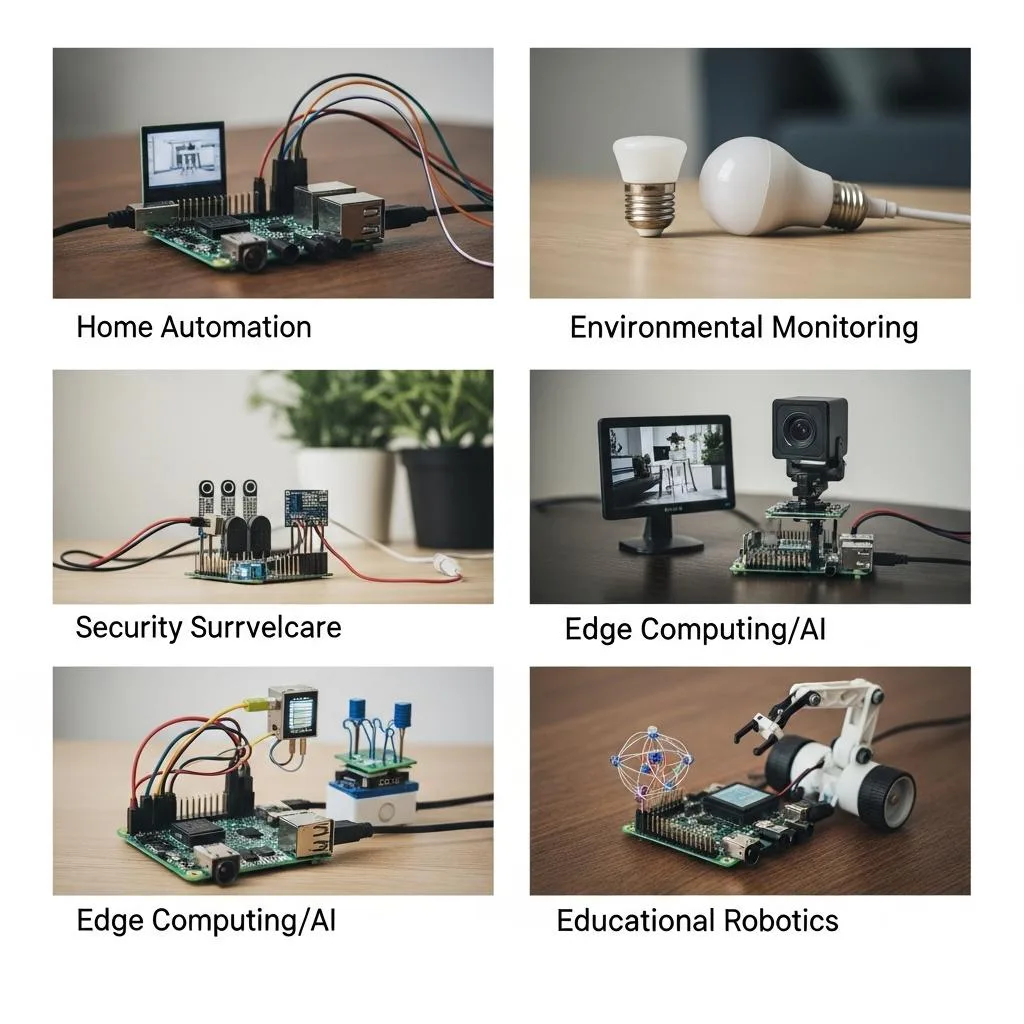
Forget the hype about needing a server farm to run AI agents. Your $35 Raspberry Pi with OpenClaw runs circles around cloud bots in practicality, cost, and privacy. It’s not just a toy-it’s a powerhouse for real-world tasks that matter. If you want agents that actually do stuff without bleeding your wallet or selling your data, here’s where you put that Pi to work.
- Home Automation Commander: Control lights, thermostats, and security cams through chat apps you already use. OpenClaw listens, processes, and triggers commands instantly. No cloud delays, no subscription fees, just raw control right from your phone.
- Customer Support Chatbots: Deploy lightweight, multi-platform bots that handle FAQs, bookings, or order tracking on WhatsApp, Telegram, or Discord. It’s not rocket science-just smart routing and workflow automation that scales without breaking your budget.
- Data Aggregation and Alerts: Use your Pi to gather data from IoT sensors, APIs, or webhooks and push real-time alerts to your preferred messaging platform. No more digging through dashboards-get the info you need when it matters, where it matters.
- Personal Workflow Automation: Automate repetitive tasks like calendar reminders, email parsing, or social media posting. OpenClaw turns your Pi into a relentless assistant that never sleeps, never complains, and never charges for overtime.
OpenClaw on Raspberry Pi isn’t about flashy AI demos. It’s about making your life easier by automating the boring, repetitive, and time-consuming stuff. Three reasons to start now: it’s cheap, it’s private, and it’s damn effective. If you’re still relying on cloud services for these tasks, you’re wasting money and handing over control. Fix that. Get your Pi, install OpenClaw, and own your AI game.
Troubleshooting OpenClaw: Fix Common Roadblocks Now
Don’t expect OpenClaw on Raspberry Pi to run itself flawlessly out of the box. If you’re stuck, it’s because you missed the basics or ignored the warnings. Connectivity issues, bot crashes, or sluggish responses? Those are your wake-up calls. Fix your network first-no agent runs without solid internet or local access. Then, check your dependencies. OpenClaw demands exact versions of Node.js, Docker, or Python libraries. One mismatch, and it breaks. Triple-check your install commands. Copy-paste mistakes kill installs faster than hardware limits.
- Network Troubleshooting: Confirm your Pi is on a stable LAN or Wi-Fi. Ping your router, test outbound connections. No flaky Wi-Fi, no flaky agents.
- Dependency Hell: Use verified install scripts only. Avoid random tutorials. OpenClaw’s official guides list precise versions. Stick to them.
- Resource Bottlenecks: Raspberry Pi isn’t a supercomputer. Monitor CPU and RAM with
htop. If OpenClaw chokes, kill unnecessary services or upgrade your Pi model. - Logs Are Your Bible: OpenClaw spits logs-read them religiously. They tell you exactly what failed and where. Don’t guess. Diagnose.
Common Roadblocks and How to Smash Them
| Agent Won’t Start | Missing dependencies or wrong Node.js version | Run node -v, match OpenClaw requirements, reinstall if needed |
| Slow Response | CPU overload or network lag | Close background apps, switch to Ethernet, reboot Pi |
| Connection Drops | Wi-Fi interference or firewall blocks | Use wired connection, check firewall rules, disable VPNs |
| Command Failures | Incorrect bot configuration or API keys | Double-check config files, refresh API credentials |
If you keep ignoring logs, miss updates, or half-ass your setup, your OpenClaw experience will be garbage. Three truths: your Pi is only as good as your setup, OpenClaw only works if you respect its environment, and troubleshooting is not optional. Own your mess, fix it fast, or quit whining.
Boost Performance: Optimize OpenClaw on Raspberry Pi
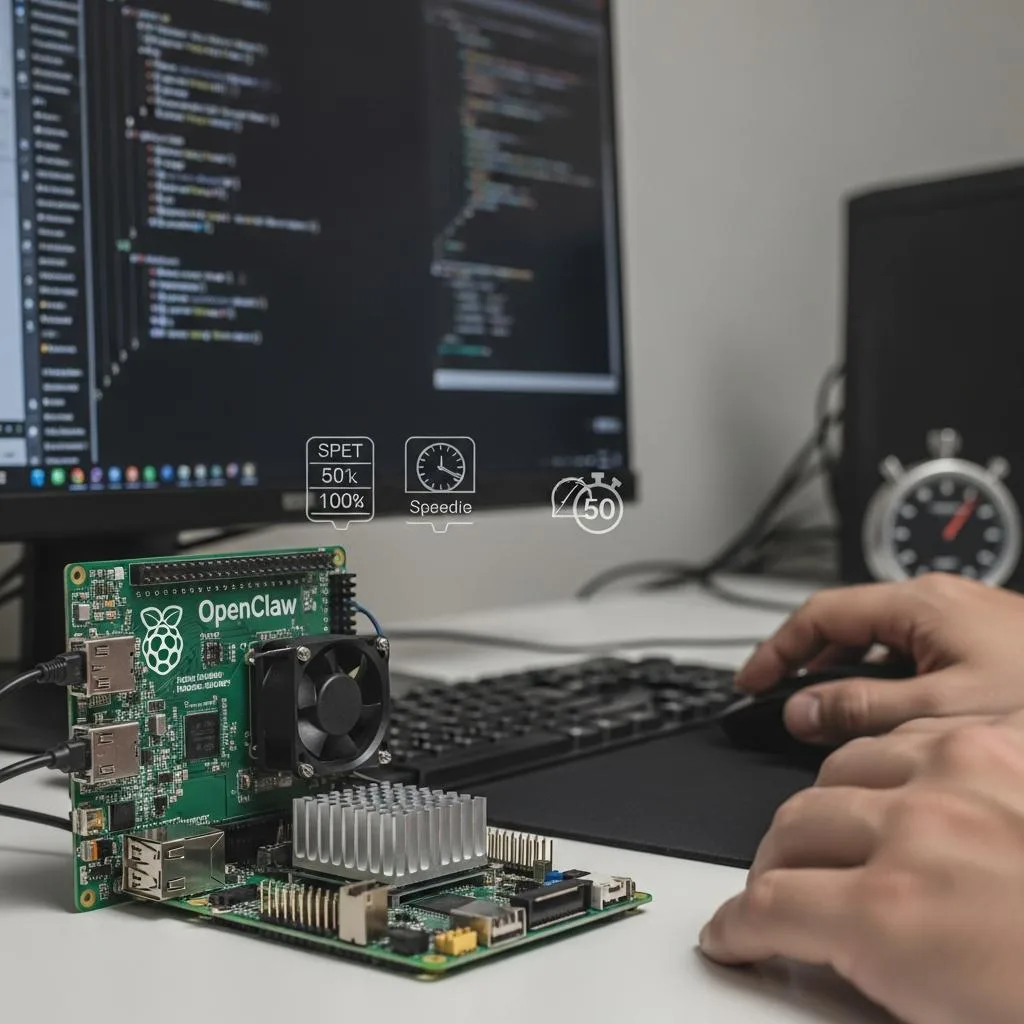
OpenClaw on a Raspberry Pi isn’t magic. It won’t run like a $5,000 server just because you wish it. The Pi is a $35 device with limits. If you want speed, you have to squeeze every drop of performance out of it. That means trimming the fat, cutting the noise, and tuning your setup like a pro. You want your agents to respond fast? Then stop running every useless service in the background. One, two, three times: kill what you don’t need. A lean Pi is a fast Pi.
- Strip Down Services: Check what’s running with
htoportop. Disable anything non-essential. No GUI bloat, no auto-updates during peak use, no logging that floods your storage. - Use Wired Ethernet: Wi-Fi is convenient but flaky. Ethernet cuts latency and packet loss in half. This alone can halve your response times.
- Optimize Storage: Run OpenClaw off a high-quality, fast microSD or better yet, an external SSD. Cheap cards throttle your I/O and choke performance.
- Control CPU Frequency: Lock your Pi’s CPU governor to “performance” mode to avoid throttling during heavy agent tasks. No excuses.
Memory Management and Swap
The Pi’s RAM is tiny. You cannot run multiple heavy agents without hitting memory walls. Set your swap file smartly-too small and you crash, too big and you slow down. Aim for a swap size about 1.5x your RAM. Monitor usage constantly. If your Pi is swapping like crazy, you’re asking too much. Upgrade your model or reduce agent load.
| Disable Unused Services | Frees CPU and RAM for OpenClaw | sudo systemctl disable [service] |
| Switch to Ethernet | Improves network stability and speed | Connect Pi to router via Ethernet cable |
| Use High-Speed Storage | Reduces read/write bottlenecks | Use SSD or Class 10+ microSD card |
| Set CPU Governor | Prevents CPU throttling under load | sudo cpufreq-set -g performance |
| Configure Swap | Prevents crashes, balances memory use | Edit /etc/dphys-swapfile for size |
You want your OpenClaw agents to run sharp and fast? Then obsess over these details. Watch your CPU, RAM, and network like a hawk. Performance isn’t a setting you flip on; it’s a battle you fight every day. Ignore it, and your Pi will choke, crash, and frustrate you. Nail it, and your $35 device punches way above its weight. No excuses, just results.
Security Risks and How OpenClaw Protects Your Data
Forget the myth that your $35 Raspberry Pi running OpenClaw is a fortress by default. It’s not. OpenClaw isn’t bulletproof out of the box-it’s a target. Remote code execution vulnerabilities alone have been documented (CVE-2026-25253). That’s a hacker’s golden ticket to hijack your system. Then add API key leaks and prompt injection attacks. Yes, 12% of ClawHub skills are outright malicious. If you think you can just “set it and forget it,” you’re already compromised.Security isn’t optional. It’s mandatory. You must lock down every vector or risk total breach. That means three things: authentication, encryption, and network isolation. First, never run OpenClaw without strong authentication. Use complex API keys, rotate them often, and never expose them publicly. Second, encrypt every byte of data in transit. TLS isn’t optional; it’s your lifeline. Third, isolate your Pi on a segmented network. Don’t let it mingle freely with your home or office network. Keep it behind firewalls and VPNs.
- Authentication: Enable multi-factor or token-based access. No exceptions.
- TLS Encryption: Force HTTPS for all API calls and agent communications.
- Network Isolation: Use VLANs, firewalls, or dedicated subnets to quarantine your Pi.
Practical Hardening Steps
| Disable Unused Network Services | Reduces attack surface | sudo systemctl disable [service] for FTP, SSH if not used |
| Use Fail2Ban or Equivalent | Blocks brute-force attempts | Install and configure fail2ban with custom rules |
| Regular Software Updates | Closes known vulnerabilities | sudo apt update && sudo apt upgrade |
| Audit ClawHub Skills | Prevents malicious code execution | Only install trusted skills; review permissions |
Ignoring these puts your data, your network, and your sanity at risk. OpenClaw on a Pi is powerful, but power without control is chaos. Secure it like your life depends on it-because in the world of cyber threats, it does. No excuses. No shortcuts. Just lock it down and run your agents with confidence.
Scaling Your Agent Network Without Breaking the Bank
Most people think scaling means dropping a fortune on servers or cloud fees. Wrong. With OpenClaw on Raspberry Pi, scaling is about smart resource management, not throwing money at the problem. You want more agents running? Buy more $35 Pis. Simple math beats complex contracts every time. One Pi, one agent, one problem solved. Multiply that by 10, 20, or 50, and you have a decentralized network that costs less than a single mid-tier cloud instance annually.Forget centralized bottlenecks. Each Pi runs its own agent independently, meaning no single point of failure and no surprise bills when traffic spikes. OpenClaw’s lightweight architecture thrives on minimal hardware, so even the cheapest Pis handle multiple agents with ease-if you configure them right. Spread out your workload, segment your network, and keep your costs predictable and transparent. That’s scaling without breaking the bank. Buy cheap, run lean, scale fast.
- Use cluster management tools: Tools like Ansible or Kubernetes-lite keep your Pis updated and synchronized without manual overhead.
- Leverage local caching and edge processing: Reduce cloud calls and bandwidth costs by processing data locally on each Pi.
- Automate deployment: Script your OpenClaw installs and updates to avoid costly downtime and manual labor.
| Decentralized Agents | Reduces single points of failure and cost spikes | Deploy one agent per Pi, avoid overloading |
| Automated Updates | Keeps system secure and consistent | Use cron jobs with Ansible or shell scripts |
| Network Segmentation | Limits security risks and improves performance | Separate agent network from main LAN with VLANs |
Scaling isn’t about buying the fanciest gear or cloud credits. It’s about leveraging OpenClaw’s efficiency and the Pi’s affordability. Buy more Pis. Run more agents. Manage smarter. That’s how you scale without selling your soul-or your wallet.
Integrating OpenClaw with Other IoT Devices Effortlessly
Forget the myth that integrating OpenClaw with IoT devices is rocket science. It’s not. The Pi’s versatility combined with OpenClaw’s open-source design means you can connect to almost any IoT gadget without breaking a sweat. You want smart lights, sensors, or even industrial gear talking to your AI? Done. The key is knowing where to plug in and how to keep the data flowing without bottlenecks.OpenClaw runs locally on your $35 Raspberry Pi, giving you direct control over your IoT ecosystem. No cloud middlemen. No privacy nightmares. It speaks standard protocols like MQTT, HTTP, and WebSockets out of the box. That means your temperature sensors, smart thermostats, security cameras, and even custom Arduino setups plug right in. You want real-time data? OpenClaw handles it. You want automation? It triggers actions instantly. You want logs? It stores them locally or pushes to your preferred database.
- Use MQTT brokers: Set up Mosquitto or EMQX on the Pi to manage messaging between OpenClaw and your devices. One broker, endless connectivity.
- Leverage REST APIs: Many IoT devices offer HTTP endpoints. OpenClaw can poll or push commands without extra middleware.
- Script with Python or Node.js: OpenClaw supports custom skills. Write lightweight scripts to handle unique device quirks or complex workflows.
Practical Steps to Seamless Integration
| 1. Identify Protocols | Check if your IoT devices use MQTT, HTTP, or other standards | Ensures compatibility and smooth communication |
| 2. Deploy MQTT Broker | Install Mosquitto on your Pi for centralized message routing | Keeps data flowing fast and reliably |
| 3. Write Custom Skills | Develop scripts that translate device data into actionable triggers | Turns raw data into real automation |
| 4. Test & Monitor | Use OpenClaw’s dashboard or logs to verify integration health | Prevents silent failures and downtime |
You want effortless integration? Stop relying on proprietary hubs or cloud services that gouge your wallet and spy on your data. OpenClaw on Raspberry Pi gives you the power to own your IoT network, customize every connection, and scale without headaches. One Pi, one agent, infinite devices. Connect smarter or stay stuck watching your tech underperform. Your call.
Future-Proofing: What’s Next for OpenClaw and Raspberry Pi
The future isn’t waiting for you to catch up. OpenClaw on Raspberry Pi is not some flash-in-the-pan toy-it’s a serious platform that’s evolving fast, and if you don’t keep pace, you’re dead in the water. The next wave is about smarter agents, tighter integrations, and zero compromises on privacy-all running on that same $35 device you already own.Expect OpenClaw to push deeper into AI autonomy. That means agents that don’t just follow scripts but learn, adapt, and optimize workflows on the fly. This isn’t theoretical; it’s happening with every update. The Raspberry Pi’s hardware keeps improving too-more cores, better networking, faster I/O-meaning your $35 box will handle heavier loads without breaking a sweat. Ignore this and you’ll be stuck with yesterday’s tech while everyone else scales effortlessly.Security will become non-negotiable. OpenClaw’s open-source backbone lets you audit every line of code. No black boxes. No hidden backdoors. You control your data, your network, your rules. This transparency will be the baseline standard in IoT and AI automation. If you’re still trusting cloud vendors with your sensitive info, you’re already behind. Get local, get secure, or get out.
- Prepare for modular updates: OpenClaw will roll out plug-and-play skill packs, letting you swap or upgrade AI capabilities without reinstalling everything.
- Leverage edge computing: More processing shifts to the Pi itself, reducing latency and dependence on external servers.
- Expand multi-agent networks: Coordinated fleets of Pis running OpenClaw will become standard for complex environments-think smart farms, factories, or buildings.
You want to future-proof? Start by mastering the current OpenClaw setup. Build skills, automate smart, and secure your Pi like your life depends on it-because it does. The future rewards those who act now. Miss this, and you’re just another user waiting for a patch while others innovate. Your move.
FAQ
Q: How can I securely update OpenClaw agents on a Raspberry Pi without downtime?
A:
Securely update OpenClaw agents by using staged rollouts and SSH key authentication. Schedule updates during low-usage hours, back up configurations, and apply incremental patches to avoid downtime. This method keeps your $35 Raspberry Pi running smoothly while protecting your data-check the
Security Riskssection for more on safeguarding your setup. Stay sharp; updates are your first defense.
Q: What are the best lightweight Linux distros for running OpenClaw on Raspberry Pi?
A:
Choose lightweight Linux distros like Raspberry Pi OS Lite, DietPi, or Ubuntu Serverfor optimal OpenClaw performance on a $35 device. These distros minimize resource use, letting OpenClaw agents run faster and more efficiently. For detailed setup tips, refer to
How to Set Up OpenClaw on Your $35 Raspberry Pi Fast. Don’t waste cycles-go lean, or go home.
Q: Why does OpenClaw outperform cloud AI agents when run on Raspberry Pi?
A:
OpenClaw beats cloud AI agents by running locally, reducing latency, and eliminating recurring cloud fees. On a Raspberry Pi, it gives you full control over data and customization without dependency on internet speed. This edge is critical for real-time tasks-see
Why OpenClaw on Raspberry Pi Beats Alternativesfor the full breakdown. Own your AI; don’t rent it.
Q: How do I monitor resource usage of OpenClaw agents on a Raspberry Pi in real time?
A:
Use tools like htop, Glances, or Prometheus to monitor CPU, memory, and network usage of OpenClaw agents live. Set alerts for spikes to prevent slowdowns on your $35 Raspberry Pi. Monitoring is key to sustained performance-details on optimization are in
Boost Performance: Optimize OpenClaw on Raspberry Pi. Watch your system or it will watch you fail.
Q: What limitations should I expect when running multiple OpenClaw agents on a single Raspberry Pi?
A:
Expect CPU throttling, memory constraints, and network bottlenecks when running multiple OpenClaw agents on a $35 Raspberry Pi. Prioritize lightweight workflows and stagger agent execution. For scaling strategies, see
Scaling Your Agent Network Without Breaking the Bank. Know your limits, then break them smartly.
Q: How can I integrate OpenClaw agents with home automation systems using Raspberry Pi?
A:
Integrate OpenClaw agents with home automation by leveraging MQTT or REST APIs to connect with platforms like Home Assistant or Node-RED. Your Raspberry Pi becomes the AI brain controlling IoT devices seamlessly. For integration tips, review
Integrating OpenClaw with Other IoT Devices Effortlessly. Make your $35 device the smartest in the house.
Q: When is the best time to upgrade Raspberry Pi hardware for OpenClaw agents?
A:
Upgrade your Raspberry Pi when OpenClaw agents consistently max out CPU or RAM, causing lag or failures. Tracking performance trends helps decide timing. Check
Boost Performanceand
Scaling Your Agent Networkfor upgrade signals and cost-effective scaling. Don’t wait for crashes-upgrade before your AI begs for mercy.
Q: What troubleshooting steps fix common OpenClaw Raspberry Pi agent crashes?
A:
Fix OpenClaw agent crashes by checking logs, updating dependencies, and verifying network stability. Restart agents individually and clear cache files. For detailed fixes, consult
Troubleshooting OpenClaw: Fix Common Roadblocks Now. Crash-proof your $35 AI-because downtime kills productivity.
In Summary
Running agents on a $35 Raspberry Pi isn’t just possible-it’s smart, scalable, and cost-effective. You’ve seen how OpenClaw transforms a simple device into a powerful automation hub. Don’t wait to cut costs or boost your projects. The next step? Dive into our guide on Optimizing Raspberry Pi Performance and explore Top Automation Tools for DIY Projects. These resources sharpen your setup and keep your edge.
Still on the fence about deploying agents on a budget device? Remember, thousands have already scaled with OpenClaw and Raspberry Pi-no expensive hardware needed. Sign up for our newsletter to get insider tips, real-world case studies, and exclusive updates. This isn’t theory; it’s proven tech that’s changing automation. Take control now, master your environment, and join the community pushing boundaries. Questions? Drop a comment below or share your setup-let’s build smarter, not pricier.
Get our latest guides, news, and insights highlighted in your Google Search & AI Overviews.